
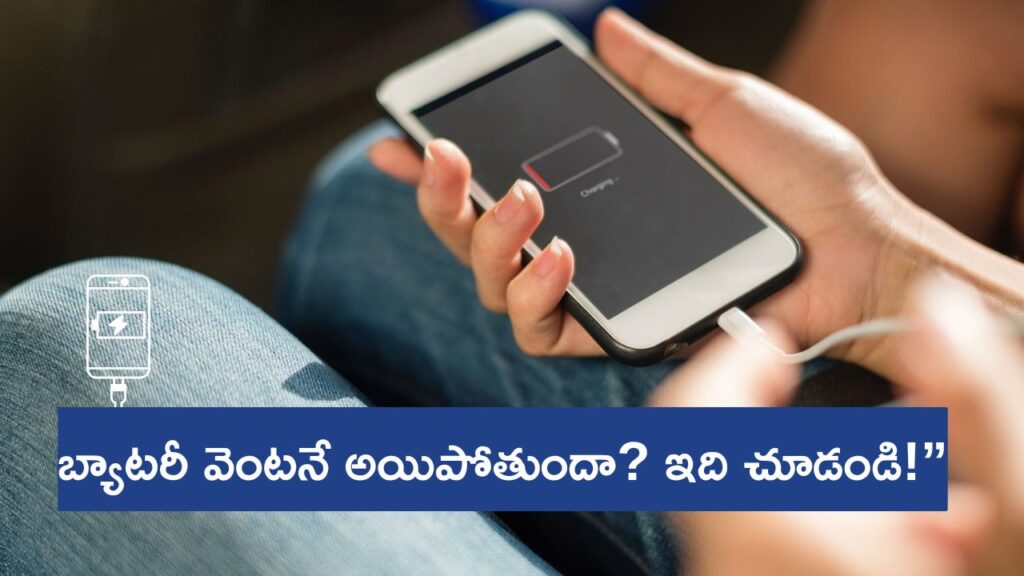
Android Phone Battery Life తక్కువగా ఉందా? ఇలా చేస్తే Full Day Battery Backup వస్తుంది (Teluglish Guide)
Introduction
ఇప్పటి smartphones చాలా powerfulగా ఉన్నా, battery backup విషయానికి వస్తే చాలా users complain చేస్తుంటారు—
“Morning 100% పెట్టినా afternoon కి 20% మాత్రమే ఉంది…”
“Gaming చేయకున్నా battery drain అవుతోంది…”
Good news ఏమిటంటే?
మీ Android phone battery life improve చేయడం చాలా easy.
ఈ article లో simple, working, practical battery-saving tricks రాయబడ్డాయి.

🔋 1. Screen Brightness Auto Mode లో పెట్టండి (Most Effective Tip)
Screen brightness battery ఎక్కువ consume చేసే part.
✔ Best setting:
- Brightness: 40%–50%
- Enable Auto-brightness / Adaptive brightness
ఈ ఒక్క step తో battery usage 20–25% తగ్గుతుంది.
🔋 2. Background Running Apps Off చేయండి
Background లో run అవుతున్న apps ఎక్కువ battery consume చేస్తాయి.
✔ ఎలా control చేయాలి?
- Settings → Battery → Background usage
- Restrict unused apps
- Apps you don’t use: “Optimize battery usage” enable చేయండి
You will immediately see improvement.
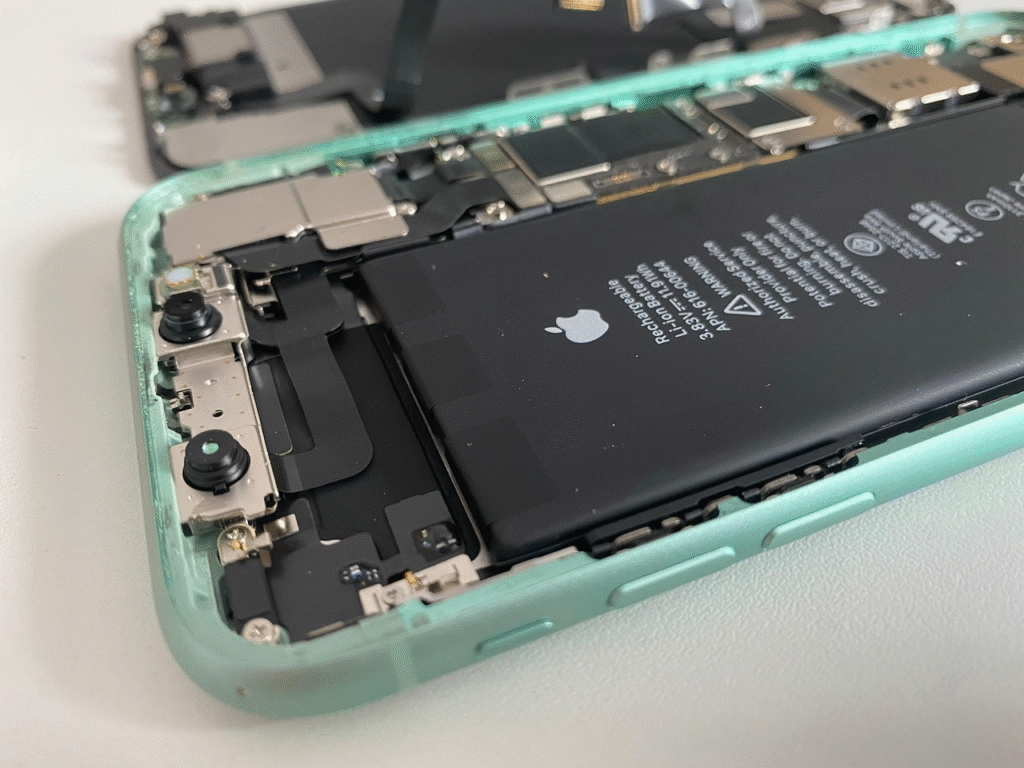
🔋 3. Location, Bluetooth, Hotspot అవసరం లేకపోతే Off చేయండి
These features battery drain చేసే silent killers.
✔ Best practice:
- Location ON చేయండి only when needed
- Hotspot use చేస్తే battery ఎక్కువగా drain అవుతుంది
- Bluetooth continuousగా ON ఉండకూడదు
🔋 4. Dark Mode Use చేయండి (Especially AMOLED Phones) : Android Phone Battery Life
If your phone has AMOLED display:
✔ Dark mode battery save చేస్తుంది
✔ Black themes power use తగ్గిస్తుంది
✔ Enable:
Settings → Display → Dark Mode
🔋 5. Battery Saver Mode Enable చేయండి
Heavy usage days లో తప్పనిసరిగా ON చేయండి.
✔ ఎలా?
Settings → Battery → Battery Saver → Turn ON
This reduces:
- Background activity
- Sync
- Animations
ఫలితం? Battery life 30–40% అవుతుంది.
🔋 6. Uninstall Battery Draining Apps : Android Phone Battery Life
Some apps battery ఎక్కువ drain చేస్తాయి:
❌ Facebook
❌ Snapchat
❌ Instagram
❌ TikTok
❌ Hotstar
❌ Free VPNs
❌ Random cleaner apps
✔ Alternative:
Use Lite apps
🔋 7. Disable Always-On Display (AOD) : Android Phone Battery Life
AOD cute గా కనిపిస్తుంది కానీ continuous battery use చేస్తుంది.
Settings → Lock screen → Always-On Display → Off
🔋 8. Auto-Sync Off చేయండి (మీకు అవసరం అయితే మాత్రమే)
Auto-sync ON ఉన్నా phone background లో:
- Gmail sync
- Contacts sync
- App backup
- WhatsApp backup
వంటివి run అవుతాయి → battery drain అవుతుంది.
✔ Fix:
Settings → Accounts → Auto-sync → OFF
🔋 9. Remove Live Wallpapers & Heavy Widgets
Live wallpapers + 5–6 widgets battery drain చేస్తాయి.
Use simple wallpaper + 1–2 widgets max.
🔋 10. Check Battery Health (Phone Old అయితే) : Android Phone Battery Life
Battery old అయితే ఎంత settings మార్చినా backup same ఉంటుంది.
✔ Check battery health:
- Samsung: Dial → *#*#4636#*#*
- Xiaomi: Settings → Battery
- OnePlus: Settings → Battery Health
If battery health 50%–60% ఉంటే → replacement అవసరం.
Conclusion
ఈ 10 steps follow చేస్తే మీ Android phone battery life double అవుతుంది.
Normal usage లో easily 1-full day, heavy usage లో 30–40% improvement guaranteed.
ఈ tips లో మీకు ఏది ఎక్కువ help అయ్యింది? Comment చేయండి!
Read this also : iPhone Sharing , Tech Samacharam Today:Smartphone Slow అయ్యిందా? ఇవి Follow చేస్తే Speed వెంటనే పెరుగుతుంది